NewMeet Kai, the frontline AI assistant in your pocket
You can log in to Keephub directly via the button below. Are you experiencing problems logging in? Then follow the step-by-step plan on this page to be helped step by step.
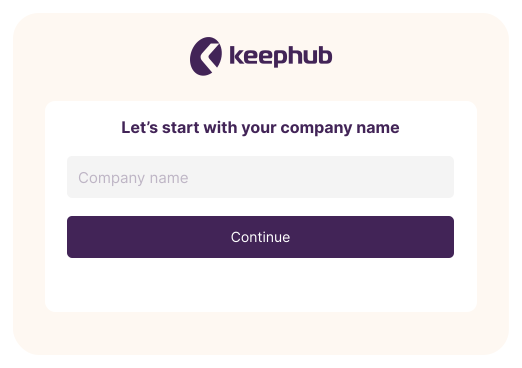
You have received the correct company name from your employer. If you use the Keephub app, you need a 'Company name' to log in to the correct environment. Fill in the name of the company you work for in the indicated place, as shown in the image next to this text.
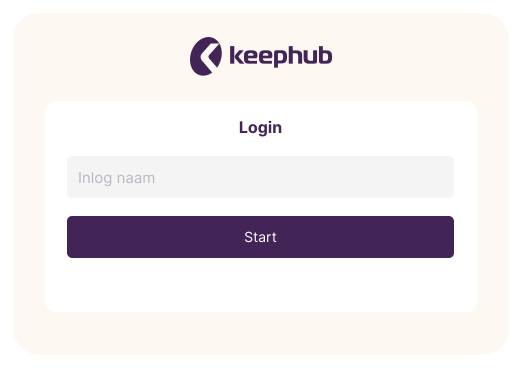
In addition to the company name, your employer has also provided you with information about your login name. With this login name you get access to your personal environment and information. Your login name can be a group account, but also personal. Often your employee number or your work email address is used for this.
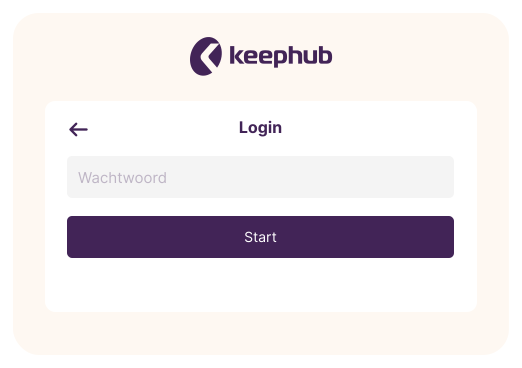
Your employer has also provided you with information about the password to use. After logging in for the first time, you can change this password to a new personal password.
Tip: if you have forgotten your password, use the 'forgot password?' option, which is also visible in the image next to this.