NewJoin the Frontline Forward event on October 27
You can log in to Keephub directly using the button below. Having trouble signing in? Follow the step-by-step guide on this page for help.
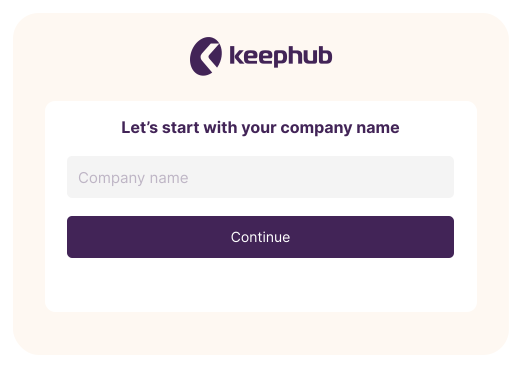
You have received the correct company name from your employer. If you use the Keephub app, you need a ‘Company name’ to sign in to the correct environment. Enter the name of the company you work for in the designated field, as shown in the image next to this text.
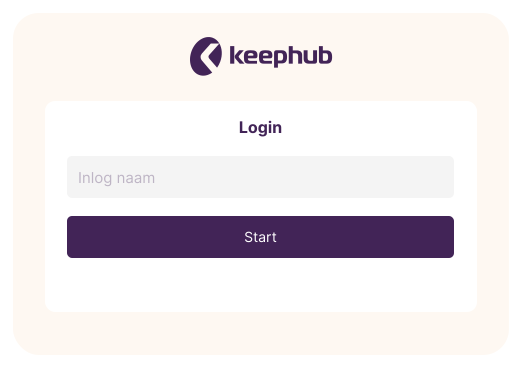
In addition to the company code, your employer has also provided information about your login name. This login name gives you access to your personal environment and information. Your login name may be a shared account or a personal one. Often, your employee number or work email address is used.
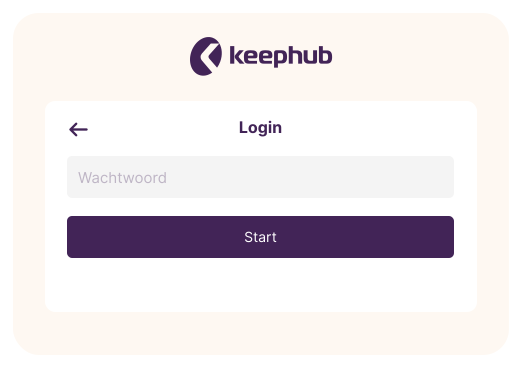
Your employer has also provided information about the password you need to use. After logging in for the first time, you can change this password to a new personal password.
Tip: if you have forgotten your password, use the ‘Forgot password?’ option, as shown in the image next to this text.